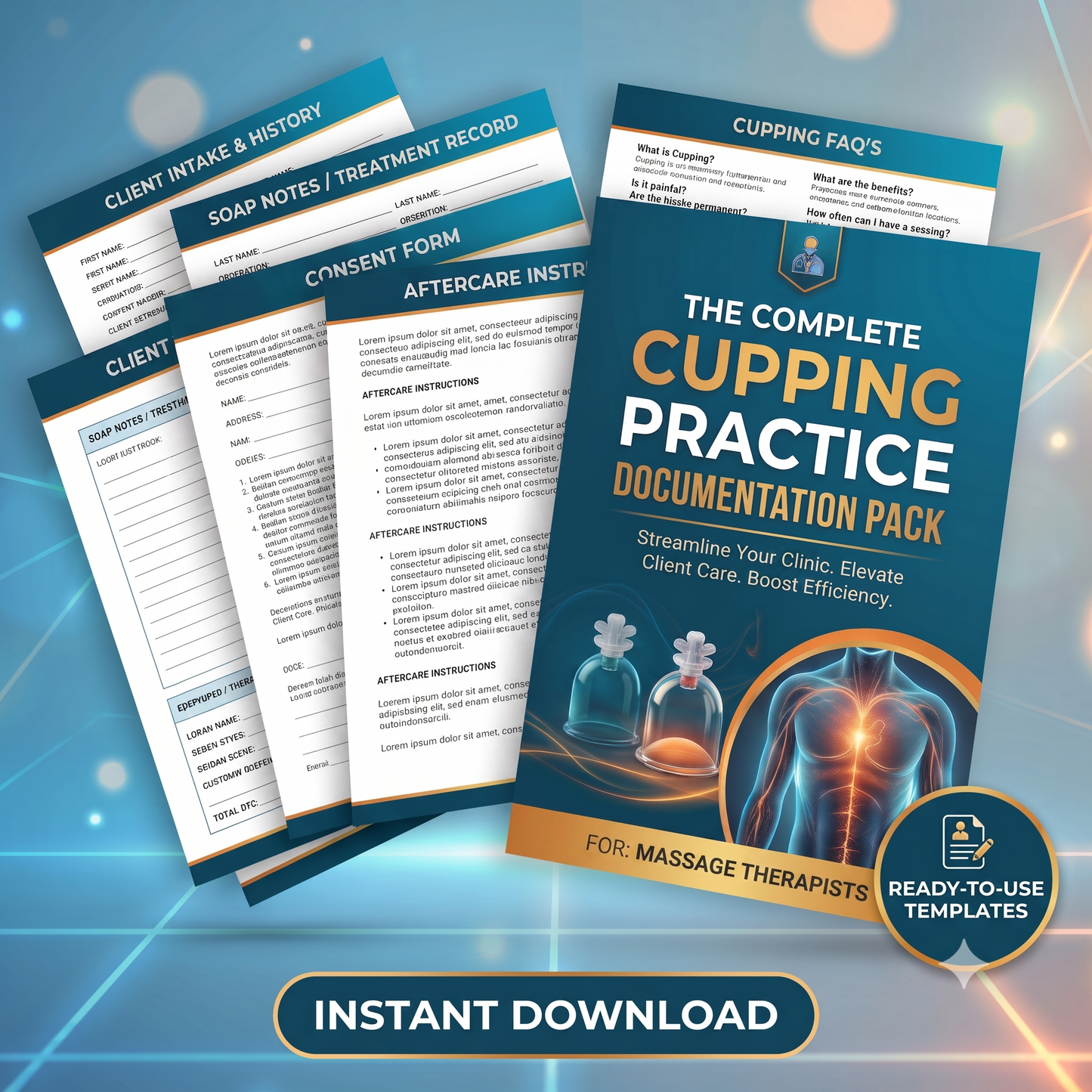


Cupping Therapy Forms — Intake, Consent & SOAP Notes Bundle (Digital Download)
Cupping Therapy Forms — Intake, Consent & SOAP Notes Bundle (Digital Download)
Couldn't load pickup availability
Cupping Practice Documentation Pack
(Digital Products are Non-Refundable)
-
What's included in the pack?
-
What forms do you need to offer cupping therapy?
-
What should a cupping intake form ask?
-
What are the contraindications for cupping?
-
How do you document a cupping session?
-
What should you tell a client about cupping marks?
-
Can I edit these forms in Google Docs?
-
Who is this for?
-
What this pack is not
What forms do you need to offer cupping therapy?
A cupping practice needs five client-facing documents and three practitioner documents. The client-facing set is a health intake, an informed consent, a session note, an aftercare sheet, and a clinical alert summary for the front of the file. The practitioner set is a contraindications reference, a sanitation protocol, and an incident report. Two more — a medical clearance request and a scope-and-insurance checklist — are used occasionally but are the ones most practices are missing.
What should a cupping intake form ask?
A cupping intake needs everything a massage intake asks, plus five things specific to suction. It must screen for anticoagulants and daily aspirin, which make marks darker and longer-lasting. It must screen for blood clot risk — recent surgery, immobilization, long travel, and current pain or swelling in one calf. It must ask about surgical sites and whether the surgeon has cleared them. It must ask about nut and seed oil allergies, because most massage oils are almond or coconut based. And it must capture corticosteroid and isotretinoin use, which make skin fragile.
What are the contraindications for cupping?
Cupping is contraindicated over active blood clots, significant bleeding disorders, open wounds or skin infections, acute fever, undiagnosed lumps, unhealed surgical sites, the anterior neck and throat, and the abdomen and lumbosacral region during pregnancy. It requires modification or medical clearance for anticoagulant therapy, long-term corticosteroid use, diabetes with neuropathy, cancer, lymphedema, pregnancy, autoimmune and connective tissue disorders, and fragile or ageing skin. Any surgical site under six weeks old is off limits, and any surgical site the surgeon has not specifically cleared is off limits regardless of age.
How do you document a cupping session?
Use a SOAP note with three cupping-specific additions. Record cup type and size, suction level, technique, dwell time and area treated in a structured table rather than prose. Record a skin check before and after, noting erythema, blanching, blistering or broken skin. And record mark colour and distribution — not as a diagnostic sign, but as a dosage record that tells you whether to adjust suction next session. A body chart with anterior, lateral and posterior views is faster and more accurate than describing placement in words.
What should you tell a client about cupping marks?
Explain the mechanism before the session, not after. A bruise from a knock is compression — force travels inward and tissue is pressed against what lies beneath it. A cupping mark is the opposite: suction draws the skin and the tissue just under it upward, and small surface vessels release a little blood into that space. Nothing is compressed. That is why cupping marks are round, evenly spread, and usually painless rather than tender, and why they fade more evenly than an impact bruise.
Does the colour of cupping marks mean anything?
No. Mark colour reflects how much suction was used, how long the cups stayed in place, where on the body they were placed, the client's skin, and any medication they take — blood thinners and daily aspirin in particular. It is not a measure of toxins, stagnation, circulation, or how unwell someone is. Darker is not worse, and lighter does not mean the session was ineffective. Telling a client otherwise is both unsupported and a claims risk for the practitioner.
Can I edit these forms in Google Docs?
Yes, and it's free. Upload the .docx file to Google Drive, right-click it, and choose Open with Google Docs. No Microsoft Word licence is needed. The files also open in Word, Apple Pages and LibreOffice. Each document ships in two formats — an editable file for customizing and a print-ready PDF for reference.